Instructions
To make this component work follow these steps:
  1. Remove the delete-this-class class from the navbar13_component div. This will change the positioning of the navbar to fixed.
  2. Add the navbar-on-page class to the page-wrapper class. This will ensure that the navbar is centered on the page.
  3. Add the max-width-full class to the main-wrapper class. This will ensure all sections inside of the main wrapper are full-wdith.
Zippy Icon logo
processcase studiesinsightspricingstart today
start today
left arrow emoji from Apple
all topics

All

Tutorials

Posts

Tutorial
7
 min read

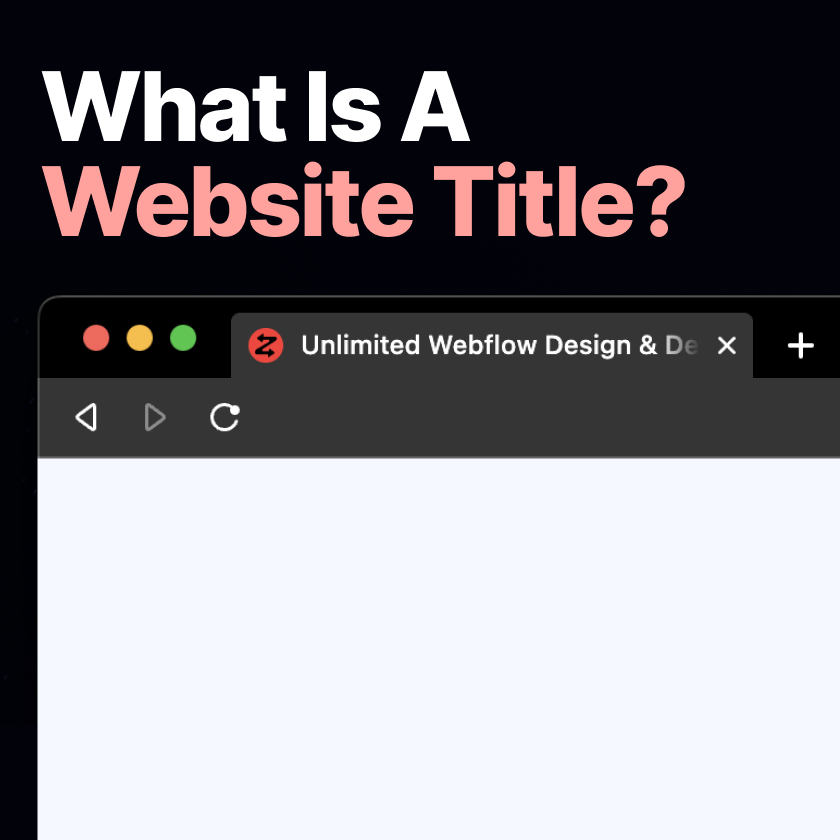
What is a website title? Five Simple Step Tutorial to Create Better SEO

Read more
Tutorials
8
 min read

Quick & Easy Improvements You Can Make On Your Site Today

Read more
View all

Learn With

Expert Insights

all insights
Webflow
10
 min read

Webflow’s New Pricing Explained: Which plan is the best in 2023?

Read more
Human Experience
5
 min read

What features are required to track customers on a website?

Read more
Business
4
 min read

Find The Right Unlimited Webflow Site Plan for Your Business

Read more
View all
Zippy icon and wordmark logo
Address:
‍
7474 Creedmoor Rd
PO Box 139
Raleigh NC, 27613
‍
‍
Contact:
‍

admin@zippyecommerce.com
case studiesprocesstech-stackjoin the teamservice terms
start todayblog & insightspricingbook a callcontact us
sign up for a free website audit
© 2023 Zippy E-Commerce LLC. All Rights Reserved.
Privacy PolicyTerms of Service